





An emergency button sends a silent signal – invisible, yet clear to those who protect you.

In a moment of fear, threat, or uncertainty, every second counts. But what if you can’t speak? Can’t call? Don’t want to be seen?
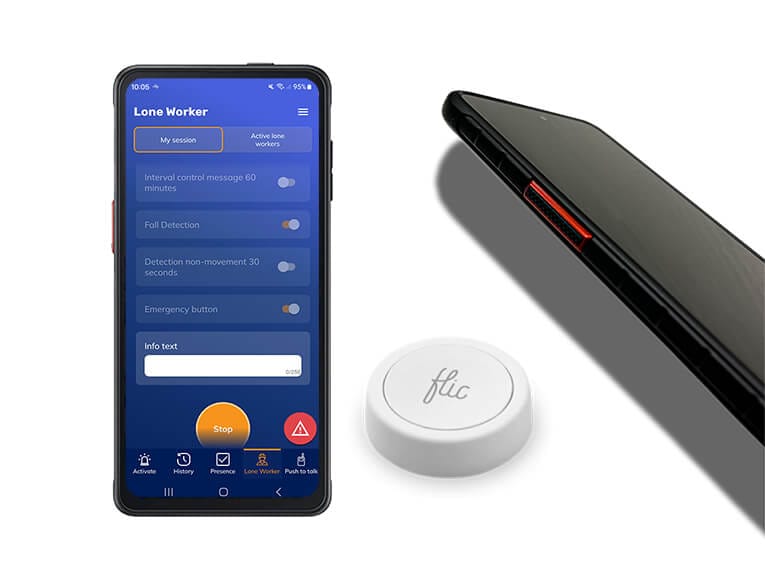
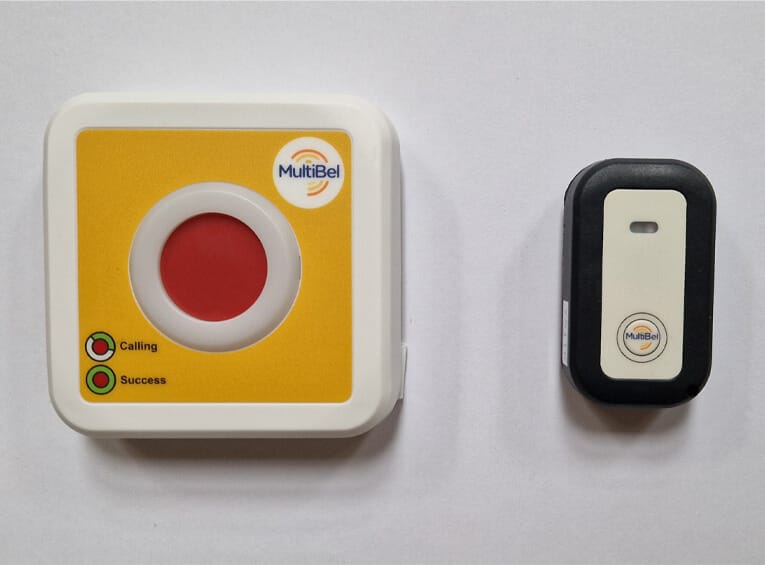
An alarm, panic or emergency button comes in many different designs. In the past, people often opted for additional hardware, either portable or fixed. If fixed, the buttons were often wired.
We offer links to various alarm buttons on our alarm platform:
Personal alarm
These are buttons carried by an employee as a personal alarm. Think of outreach workers, school teachers, all examples of people who unfortunately sometimes need an alarm button for their personal safety to call for help in case of aggressive behaviour quickly.
Fixed alarm buttons
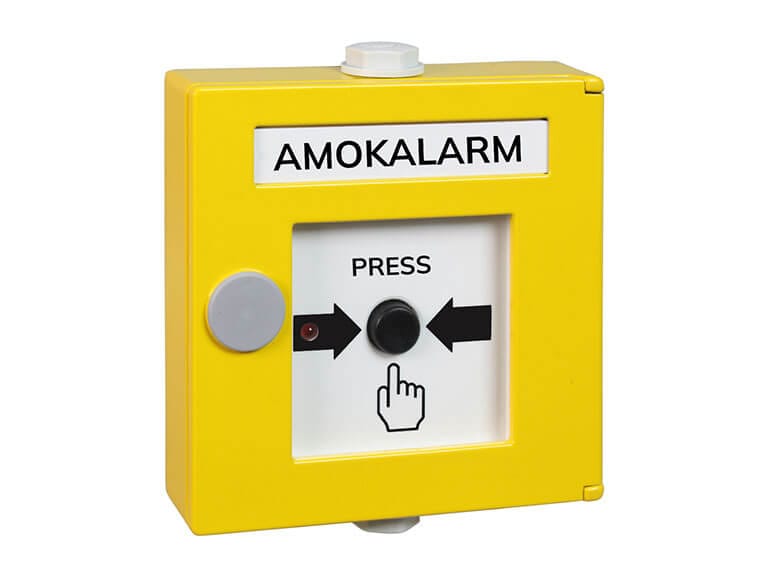
We also offer fixed buttons mounted on a wall or under a desk. These are used, for example, as consulting room alarms for doctors or local authorities. We also see fixed alarm buttons used for alerting the Company Emergency Response Team.
What makes our solution unique in this market?
MultiBel is more than just an alerting notification system. The MultiBel application also has the Kiwa K21023 Mobile Security certification, a seal of approval for Mobile Alarm Systems. This means that your employees can now quickly and discreetly call for help, and colleagues and/or the Alarm Receiving Centre can listen in and receive the exact location of the colleague. These emergency buttons are part of our lone worker security solution.
Three pillars – one platform


Offer your colleagues a safe working environment with a panic button.


Emergency button / panic button follow-up procedure
MultiBel is a certified calling system with a very reliable method. During the alarm, MultiBel can use many different channels. The way in which someone can be reached differs per person but also per moment. The more channels you use for the alert, the greater the chance that that person will be reached. The app breaks the silent mode in iOS and Android.
App
Telephone
SMS
Desktop
MultiBel works with predefined scenarios. You can set an unlimited number of scenarios and locations. The order of the communication channels can also be set.



Who Uses Our Emergency Button?
Our emergency button is used by a wide range of organizations, including retail stores, housing corporations, municipalities, youth care services, general practitioners, mental health institutions, home care providers, forensic care facilities, bailiffs, hospitals, media companies, hotels, and schools. All these users rely on our emergency button, which is integrated with the MultiBel safety platform.
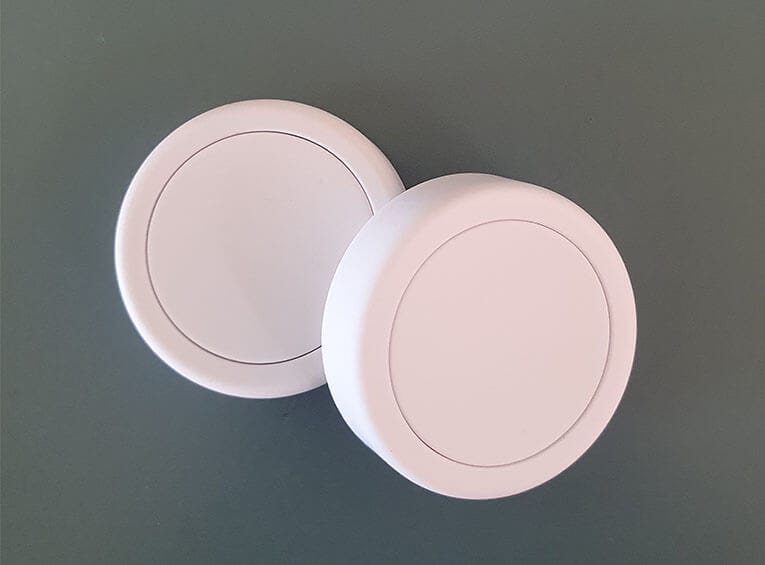
The panic button can be a portable device, a button in the phone app, or a fixed, mounted button. A portable personal alarm can be used in cases of aggression, robbery, or accidents. In a fixed setup, it is often used as a consultation room emergency button to protect employees from aggressive visitors. A fixed alarm button offers several advantages: it is wireless, operates independently of power outages, and can be discreetly activated. Our aggression alarm button (or panic button) is equipped with a multi-SIM card and automatically selects the strongest network.
MultiBel can alert dozens of people within seconds. The platform stops alerting as soon as enough responders have confirmed. With just one press of the button, nearby colleagues are notified and come to help. This gives employees the confidence that both management and colleagues are aware of the situation and that help is on the way.
Is the MultiBel Alarm Button Comparable to a Senior Alarm?
Both the MultiBel alarm button and a Personal Alarm designed for elderly are designed to quickly summon help in emergency situations with a single press of a button. However, there are significant differences.
While MultiBel’s alarm button always utilizes location tracking, many elderly personal alarms do not. An elderly alarm is often tied to a fixed location, such as a home or care facility. The alarm button for seniors is typically a wearable device, such as a necklace or wristband. MultiBel offers both portable and fixed buttons (such as under a counter or mounted on a wall), and an in-app alarm button.
The biggest difference, however, is not just the target audience (seniors vs. professionals) or the button format. The key distinction lies in the underlying solution. When a user presses the MultiBel button, colleagues who are present are immediately alerted. This makes our alarm button ideal for professionals such as mobile healthcare workers, WMO teams, or social district teams who are not tied to a single location. Additionally, an ARC (Alarm Receiving Centre) can be activated, which can take immediate action and access all necessary information to quickly send help.
With MultiBel, it’s not just location data that is transmitted. There is also the option to enable a listen-in function (for example, to hear an aggressive customer or robber) or establish a direct voice connection with the person who pressed the button.
We secretly believe that elderly personal alarm systems could learn a thing or two from us. While most senior alarm providers can only notify a care center and a few caregivers, MultiBel can reach dozens of people within seconds and escalate the alert if not enough responders are available.


